
The Smart Thermostat Handbook
Not every smart thermostat works with every HVAC system. Learn how to map your home's exact heating and cooling setup, match staging and backup heat, and set up sensors, schedules, and privacy controls correctly.
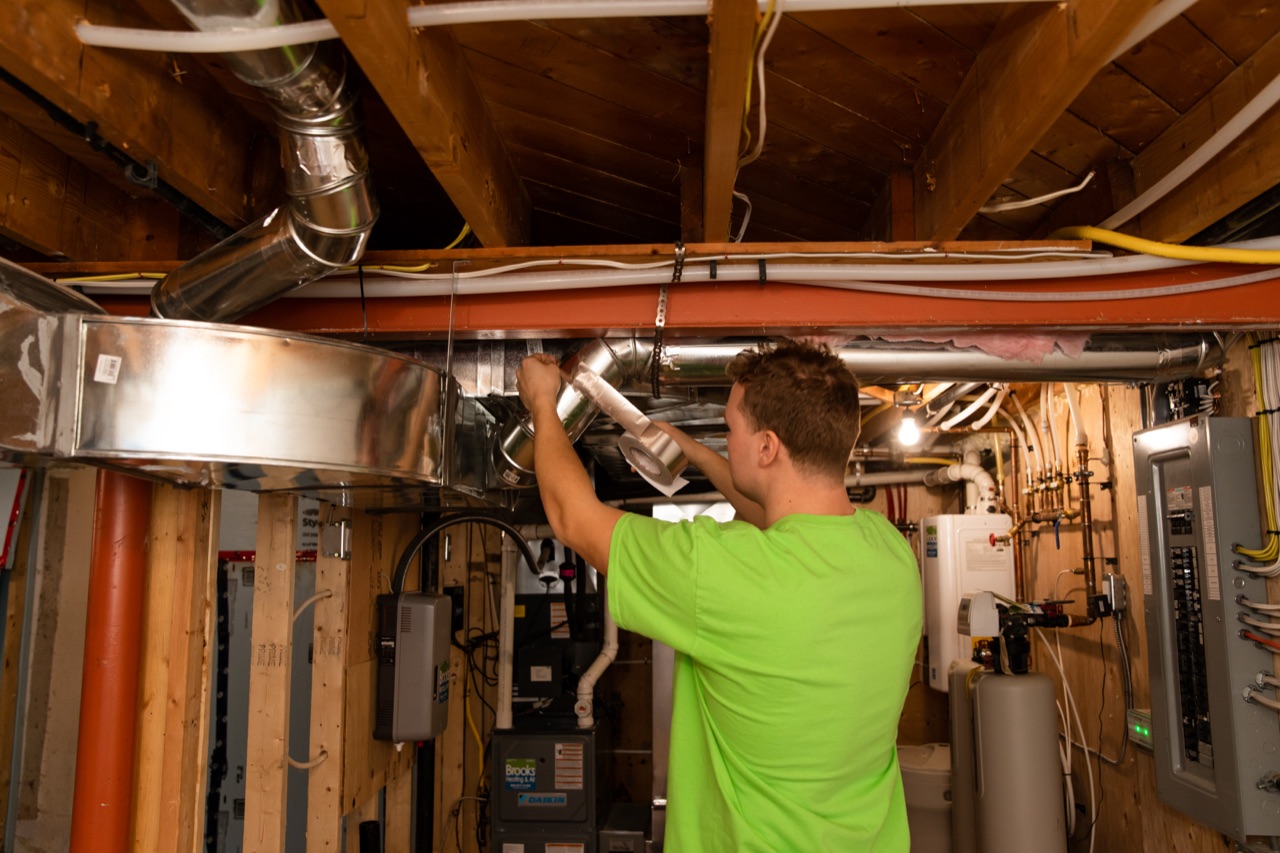
The right smart thermostat is the model that matches the exact heating, cooling, staging, backup heat, zone controls, accessories, power needs, and wiring in your home. Features come second. Before buying, build a system map and check it against the current manufacturer compatibility tool and installation documents. Have a qualified professional handle wiring, equipment panels, and advanced setup. After installation, use a simple schedule, test one change at a time, and watch how every system mode responds. A smart thermostat can improve control and records, but it cannot fix poor airflow, wrong sizing, or equipment faults.
Key takeaways
- Confirm the whole control system, not only the thermostat on the wall.
- Match each heating, cooling, fan, and backup stage to an exact supported model.
- Keep heat-pump thermostat setup separate from equipment defrost controls.
- Use schedules and remote sensors to support a clear goal, not to chase every reading.
- Review data collection, account security, and software support before connecting a device.
Make an eight-box system map
Do this before comparing screens, apps, or voice features. Ask a qualified HVAC professional to confirm anything not shown in your owner documents. Do not open equipment panels or move thermostat wires to fill a box.
- Primary heat: furnace, boiler, heat pump, electric heat, or another documented system
- Cooling: central air conditioner, heat pump, ductless equipment, or none
- Stages: the number of heating, cooling, compressor, and fan stages
- Backup heat: auxiliary electric heat, dual-fuel equipment, emergency heat, or none
- Distribution: ducts, radiators, in-floor loops, fan coils, or ductless indoor units
- Zones: one control, a zone panel, several thermostats, or equipment-specific remotes
- Accessories: humidifier, dehumidifier, ventilator, or other controlled device
- Power and communication: exact control voltage, required common power, adapters, and any proprietary communication
Add the model numbers for the current thermostat, indoor unit, outdoor unit, zone panel, and accessories. A product name without a model number is not enough because one brand may offer several thermostats with different terminals and stage limits.
Treat compatibility as a model-specific check
Thermostat labels and wire colours do not prove compatibility. A terminal may have two labels, and the same letter can serve a different purpose in a conventional system and a heat-pump system. Wire colours are not standardized. The control board may also use a proprietary connection that a general smart thermostat cannot replace without losing functions.
Use the current compatibility tool from the thermostat manufacturer, then read the installation document for the exact model. Current ecobee documentation, for example, lists different supported stages and accessories for different thermostat models. Google Nest documentation directs users to identify the current connector labels and use its compatibility checker for compatible models. Those pages apply only to the products they name. They do not establish compatibility for another thermostat or for a system that has been altered.
Power is part of compatibility. Some models need a common conductor, a maker-approved power accessory, or another specific arrangement. Do not assume a spare-looking conductor is connected or safe to use. Do not add a transformer, open an air handler, enter a furnace control compartment, or repurpose a wire. Those steps can involve multiple power sources and stored electrical energy.
The safe handoff is a written map: existing terminal labels, equipment model numbers, intended thermostat model, every controlled function, and the manufacturer wiring diagram. A qualified professional from our HVAC services team can compare all five before any wire moves.
Match staging and backup heat on purpose
Staging allows equipment to operate at different outputs. A conventional system may have more than one heating or cooling stage. A heat pump may have more than one compressor stage plus auxiliary or alternate heat. A boiler may use zones or outdoor reset controls that do not fit a standard forced-air thermostat pattern.
The thermostat must have enough supported outputs and the correct control logic for the exact arrangement. It must also be configured correctly after wiring. A thermostat that physically fits on the wall may still call the wrong stage, bring on backup heat too soon, fail to call it when required, or interfere with equipment that expects its own communicating control.
Backup terms matter:
- Auxiliary heat may be called automatically when the installed heat-pump control strategy needs added capacity.
- Emergency heat is a separate operating choice on systems designed to provide it. It is not a normal efficiency setting.
- Dual fuel combines a heat pump with a separate fuel-fired heat source and needs an approved transition strategy.
Do not copy another home’s lockout temperature, stage timer, or backup setting. The right setup depends on heat loss, equipment output at outdoor conditions, fuel and electricity, electrical capacity, manufacturer instructions, and design goals.
Keep defrost in the equipment’s lane
An air-source heat pump can collect frost on its outdoor coil during cold, damp operation. Natural Resources Canada explains that the heat pump reverses operation for a defrost cycle and that equipment controls determine when defrost is needed. Supplementary heat may operate during that event, depending on the system design.
This is different from normal thermostat staging. A thermostat may call compressor or backup stages according to its approved configuration, but it should not be treated as the control that diagnoses frost or rewrites the outdoor unit’s internal defrost logic.
Steam from the outdoor unit, a stopped outdoor fan during a brief cycle, or a temporary change in supply-air temperature can occur during normal defrost. Thick ice that does not clear, repeated poor heating, a fault code, or unusual cycling needs professional diagnosis. Do not change staging settings, force emergency heat, move sensors, or open the outdoor cabinet as a defrost repair.
Build a schedule the system can follow
Begin with the household’s real routine: wake time, time away, return, sleep, and any periods when someone needs steady conditions. Use a small number of changes. Let the system run long enough to see how the home responds before adding learning features or automations.
Deep setbacks do not suit every system. Natural Resources Canada notes that heat pumps and some hydronic systems respond differently from faster systems. Recovery may bring on extra stages or backup heat, while a high-mass floor may begin changing hours before the room feels different. Use the exact equipment guidance and test moderate changes.
Watch three results:
- Did the occupied rooms reach a comfortable range on time?
- Which stages or backup source operated during recovery?
- Did humidity, noise, or cycling change?
Do not accept a savings promise based only on owning a smart thermostat. Weather, previous settings, occupancy, equipment, distribution, and the building all affect energy use. Compare energy quantities over similar weather periods if you want to evaluate a schedule.
Use remote sensors for a defined job
A remote sensor’s job depends on its exact product and setup. Ecobee’s current Sensor Participation page says selected SmartSensor temperatures can be included in the average used for a Comfort Setting. Google says a scheduled Nest Temperature Sensor can become the temperature source for a compatible Nest thermostat during that period. These examples apply only to the named products.
Follow the exact maker’s placement instructions. Ecobee’s current SmartSensor guide says to avoid direct sun, exterior walls and windows, vents, fans, drafts, and heat from electrical devices. Another product may have different limits. Compare the reading with a reliable room thermometer before changing control settings.
A sensor cannot create duct capacity, add a return path, repair hydronic flow, or reduce a room’s heat loss. If prioritizing one room makes another swing sharply, the issue may be distribution, load, zoning, or equipment design.
Do not assume every remote sensor detects occupancy. Ecobee documents temperature and infrared occupancy sensing for its Room Sensor and SmartSensor products. Google says Nest Temperature Sensors do not have activity sensors and cannot support presence sensing. Check the exact product and keep a safe base schedule if presence automation does not behave as expected.
Handle humidity and accessories carefully
A displayed humidity reading does not prove that a thermostat can control an accessory. Ecobee’s current compatibility table, for example, lists accessory support by named thermostat model and setup conditions. Any humidifier, dehumidifier, or ventilation control needs exact manufacturer documentation, suitable terminals or relays, and professional setup.
Health Canada generally recommends keeping indoor relative humidity between 30 and 50 per cent while addressing leaks and moisture sources. The right operating point within that range changes with outdoor weather, windows, insulation, and condensation. A thermostat reading is one observation, not a moisture diagnosis or health guarantee.
If windows collect condensation, reduce or turn off humidification. Dry wet frames and sills, investigate leaks and indoor moisture sources, use exterior-vented kitchen and bathroom exhaust, and review ventilation. Health Canada advises drying window areas daily and unplugging and removing humidifiers when condensation is present. Reassess a lower safe setting after surfaces are dry and the cause is understood. Accessory wiring, interlocks, drains, and equipment programming remain professional work.
Decide how much connection you want
A thermostat can work as a local control, a connected account, or part of a larger smart-home system. Data collection differs by product and enabled feature. Google’s current Nest Privacy Hub lists setup information plus thermostat sensor data such as temperature, humidity, motion, ambient light, and presence. Ecobee’s current privacy notice describes Personal Information and Device Data and gives users routes to access or delete them. Those statements apply only to those services.
The Office of the Privacy Commissioner of Canada advises smart-device users to review what personal information is collected, how it is shared, how long it is kept, whether it can be deleted, and whether security updates will continue. Use a unique password, enable stronger account security where offered, keep the app and device software current, and disable remote access or location features you do not need.
Before moving or giving the thermostat to someone else, follow the manufacturer process to remove the device from accounts, delete stored data where possible, and restore appropriate settings. Make sure the home still has working local control after any account change.
Run a seven-day control check
For the first week, avoid adding many automations. Make one row per day with:
- outdoor conditions and thermostat mode
- occupied setpoints and schedule changes
- room temperature and humidity at the same time
- stages or backup indicators observed
- unusual sound, cycling, delay, or fault alert
- one change made that day
- whether all equipment stopped and started as expected
Test normal heating, normal cooling when weather permits, fan operation if intended, and each approved backup mode under professional direction. Confirm zone calls and accessories. Do not create extreme setpoints just to force stages.
If one mode does not behave as documented, return to the known safe setting and contact our team for a setup review. Do not solve a control error by moving wires or changing hidden installer options at random.
Georgetown and Halton Hills context
Ontario homes may ask one thermostat to manage humid summer cooling, cold-weather heat-pump operation, a gas furnace, a boiler, electric backup, or several zones. Older houses and additions can also have controls installed in stages over many years. A wall display that looks simple may sit in front of a complex control plan.
Local freeze-thaw weather can bring normal heat-pump defrost events and changing backup needs. That makes accurate equipment identification more important, not less. Use the home’s load and manufacturer documents rather than copying a neighbour’s schedule or lockout setting.
Once your thermostat is set up right, it becomes one more thing to check on your seasonal routine — see The Annual HVAC Maintenance Planner for a simple way to fold schedule reviews into your regular HVAC upkeep.
Frequently asked questions
Will any smart thermostat work with a furnace and air conditioner?
No. Compatibility depends on the exact thermostat model, system voltage, stages, terminals, power, zone controls, and accessories. Use the manufacturer’s current checker and installation document, then have a qualified professional confirm the wiring and setup.
Does a smart thermostat need a common wire?
Power requirements vary by model and system. Some products require a common connection, while an exact manufacturer may allow an approved accessory or another documented method. Do not assume an unused conductor is connected. Have the complete power path verified.
Can a thermostat control heat-pump auxiliary heat?
Only when the exact thermostat supports the system’s compressor and backup stages and is configured to the approved control plan. Auxiliary, emergency, and dual-fuel heat are not interchangeable terms. Use the equipment and thermostat documents together.
Does changing thermostat settings fix heat-pump defrost trouble?
No. Defrost is an equipment operation based on the outdoor unit’s design and controls. Thermostat staging and backup configuration still matter, but they are a separate issue. Persistent ice, poor heat, or fault codes need equipment diagnosis.
Are smart-thermostat room sensors a substitute for zoning?
No. Sensors can influence which temperature the control uses, but they cannot direct airflow or water to a room unless a compatible zoning system does that work. They also cannot correct heat loss, duct limits, blocked emitters, or wrong equipment size.
Write one exact compatibility question
Fill the eight boxes, add the thermostat model you are considering, and state the feature you need, such as a second stage, dual fuel, one zone panel, or humidity control. Use Ask Brooks for that focused question if the manuals and manufacturer checker do not settle it.